Client intake
Record inquiries, contacts, referral sources, estimated value, consultation and proposal status. Accept an inquiry to create its client and matter records; retain the reason for declined inquiries.
PRODUCT FEATURES
Keep the intake, docket dates, documents, assignments and attorney review with the matter. Follow the work from the first client inquiry through firm reporting.
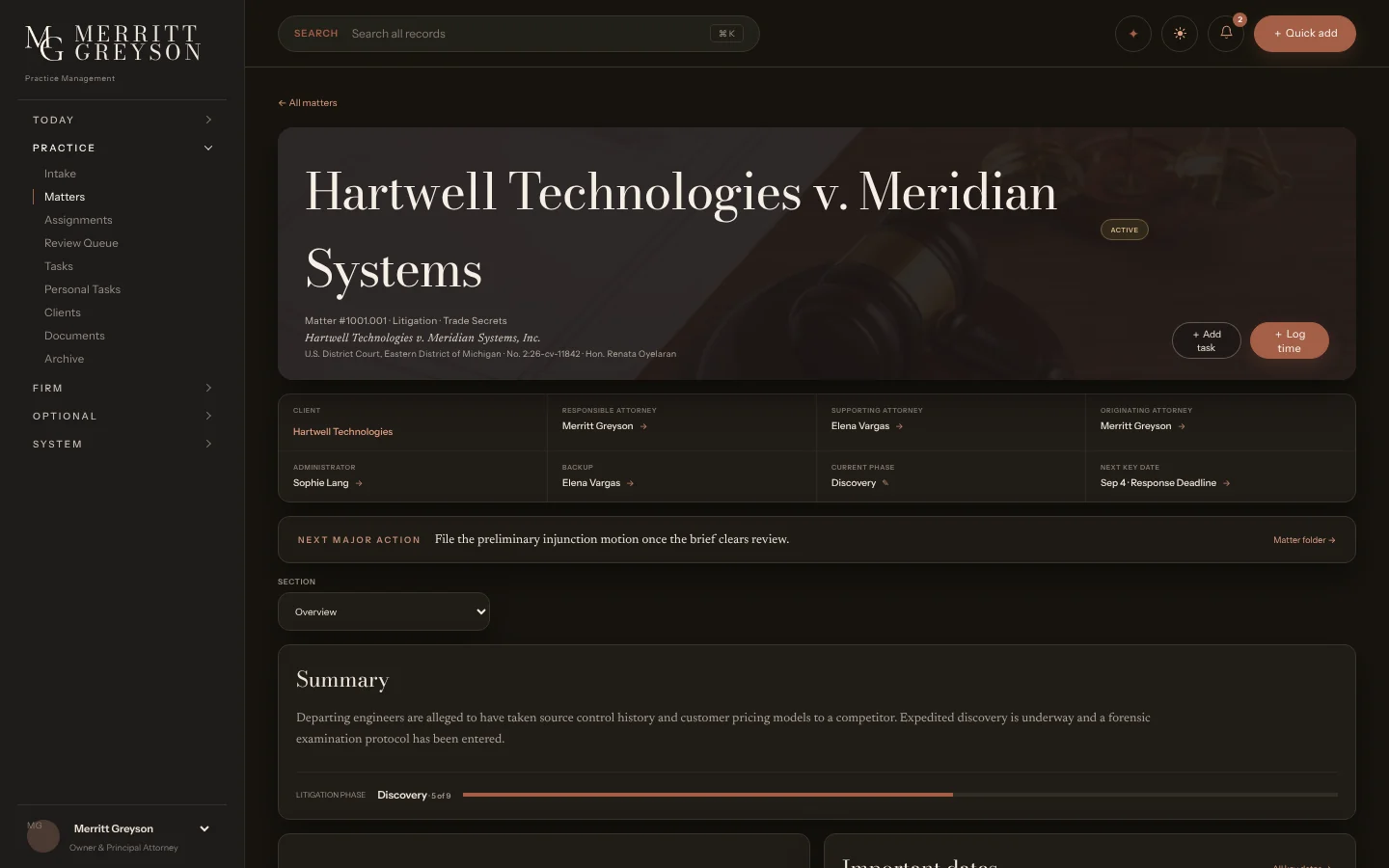
Actual Willow demo screen. Fictional firm data.
01 / CLIENTS AND MATTERS
Record inquiries, contacts, referral sources, estimated value, consultation and proposal status. Accept an inquiry to create its client and matter records; retain the reason for declined inquiries.
Record the result of your firm’s conflict review and engagement-letter status. Outstanding items remain visible for follow-up.
Review client details and associated matters, document records, communications records and billing views.
Keep the caption, case number, court, judge, adverse parties, opposing counsel, attorneys, administrators, phase and next major action together.
Separate litigation, intellectual property prosecution and advisory workflows with relevant stages.
Track entered court dates, filing deadlines, limitation dates, benchmarks and check-ins; view calendar events and approaching dates.
Review closed matters and completed work separately from active lists.
02 / WORK AND PEOPLE
See matters that need attention, upcoming key dates, assignments awaiting review, overdue tasks and outstanding intake controls.
Define the objective, deliverable, direction, resources, expected hours, assignees, reviewer, checkpoint and due date.
Submit work for review, approve it or return it for revision with a note.
Create matter-linked work tasks, assign an owner, set priorities and due dates, and view work by list or board.
Keep a personal work list separate from firm assignments.
See active matters, open assignments and overdue work by team member.
Explore different attorney, legal staff, administrator and office-management views in the demo.
03 / RECORDS AND BUSINESS
Find document records by client, matter, type or author. Keep references to pleadings, discovery, contracts, correspondence and evidence.
Maintain matter notes and an activity timeline alongside the work.
Record time against matters, review billable activity and see billing information.
Compare monthly billable hours, realization, utilization and write-downs against targets. Review firm-wide and individual results.
Track originating attorneys and outside referral relationships, matter volume, value and changes in activity.
Assign internal responsibilities such as payables, renewals, business development and administrative projects. Review reimbursement requests.
Keep procedures, checklists, forms, templates and model documents indexed; track resources needing creation or review.
Review matter status, workload, tasks and deadlines, billable hours, matter aging, practice areas and courts. Print or export reports as CSV.
Willow Concierge is the in-app how-to guide for using Willow, from creating a matter to sending an assignment for review. Open it from any screen.
Ask us about adding an optional AI assistant that uses your firm's own AI provider key.
View invoice balances, track payments, and draft reminders from the invoice record. Included with Willow.
Explore configurable lists, team roles, themes, integration options and a documented one-way Clio migration mapping.
REAL WILLOW SCREENS
Select any actual demo screenshot to view it at full size. All records are fictional.
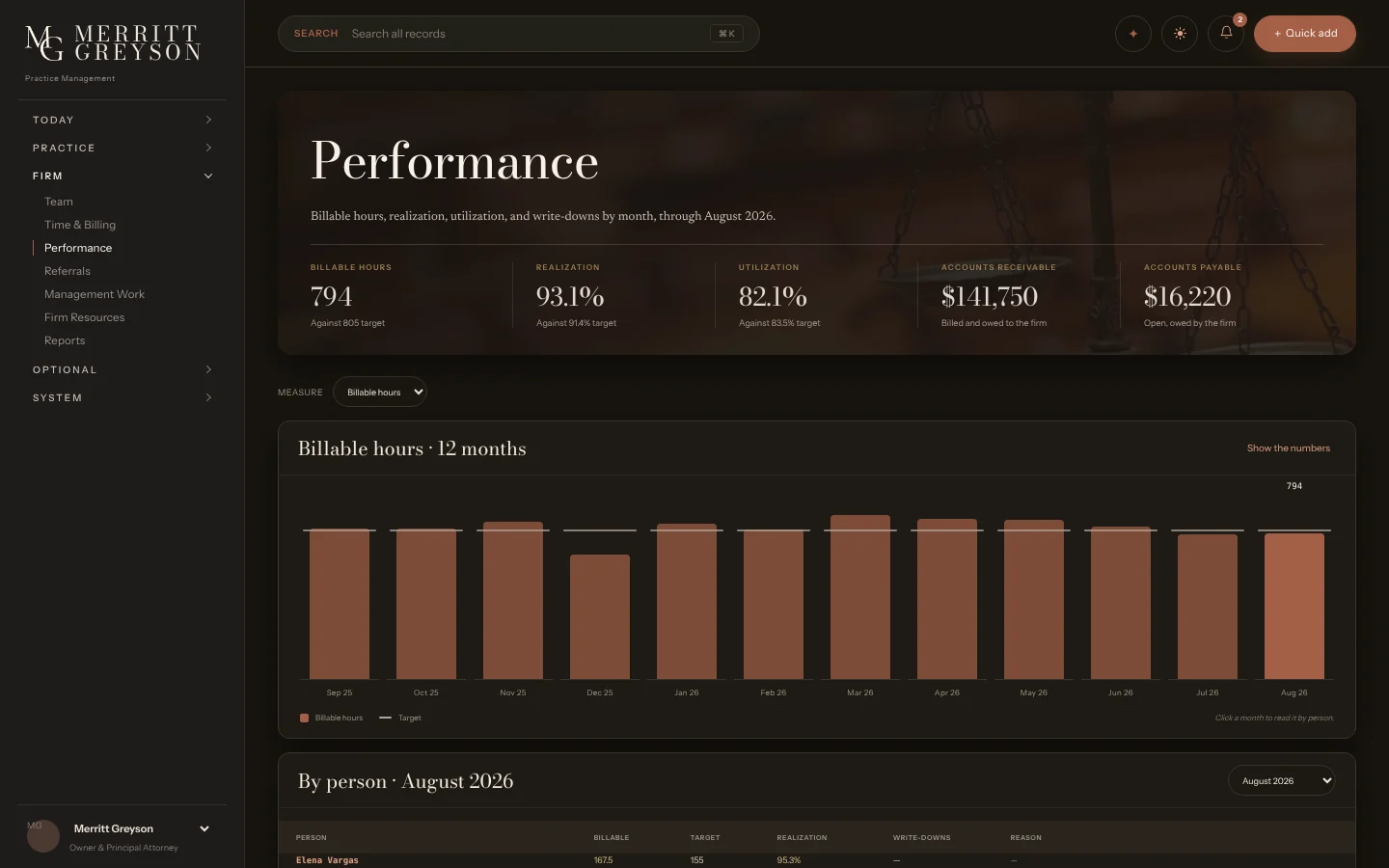
Performance
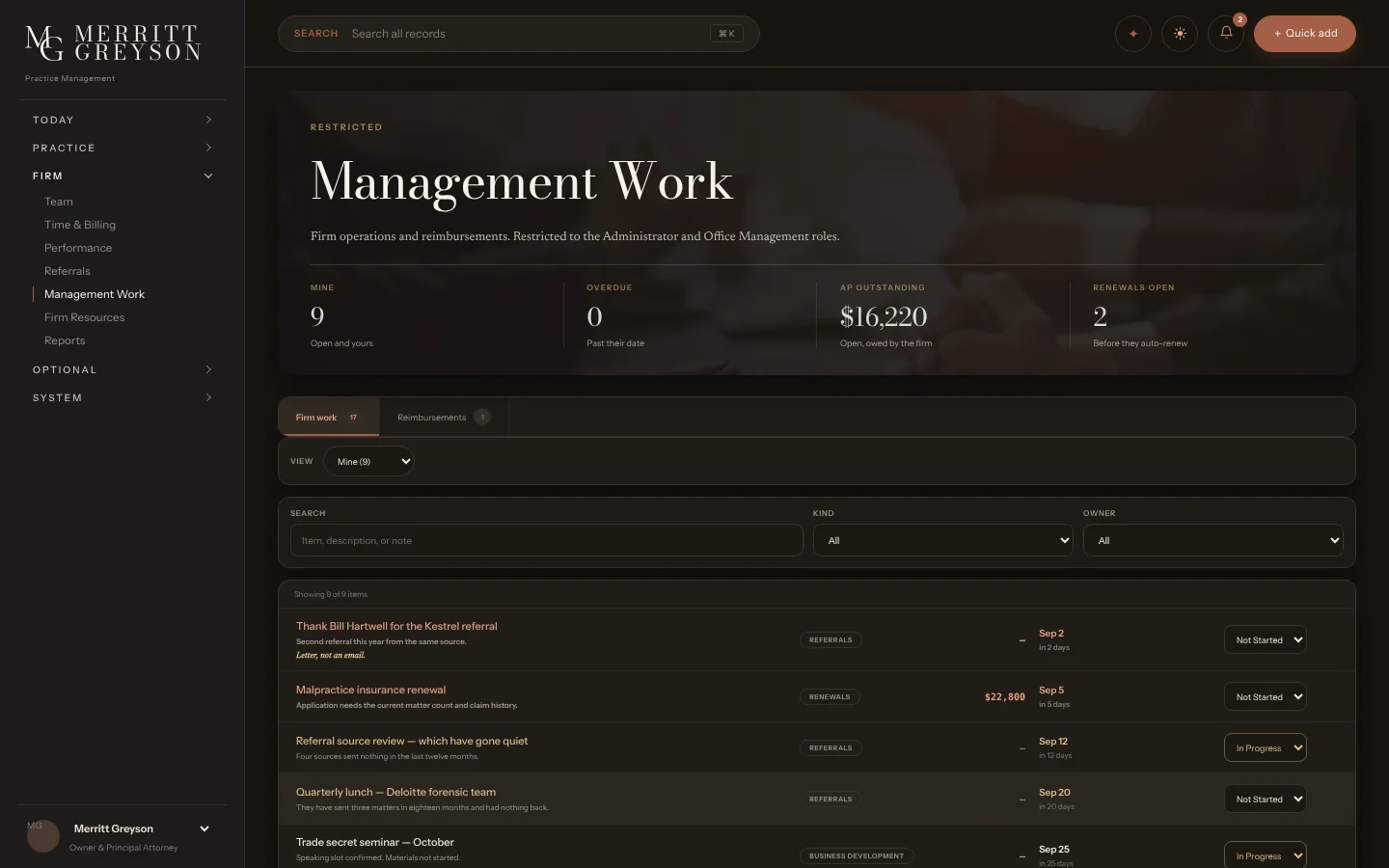
Management work
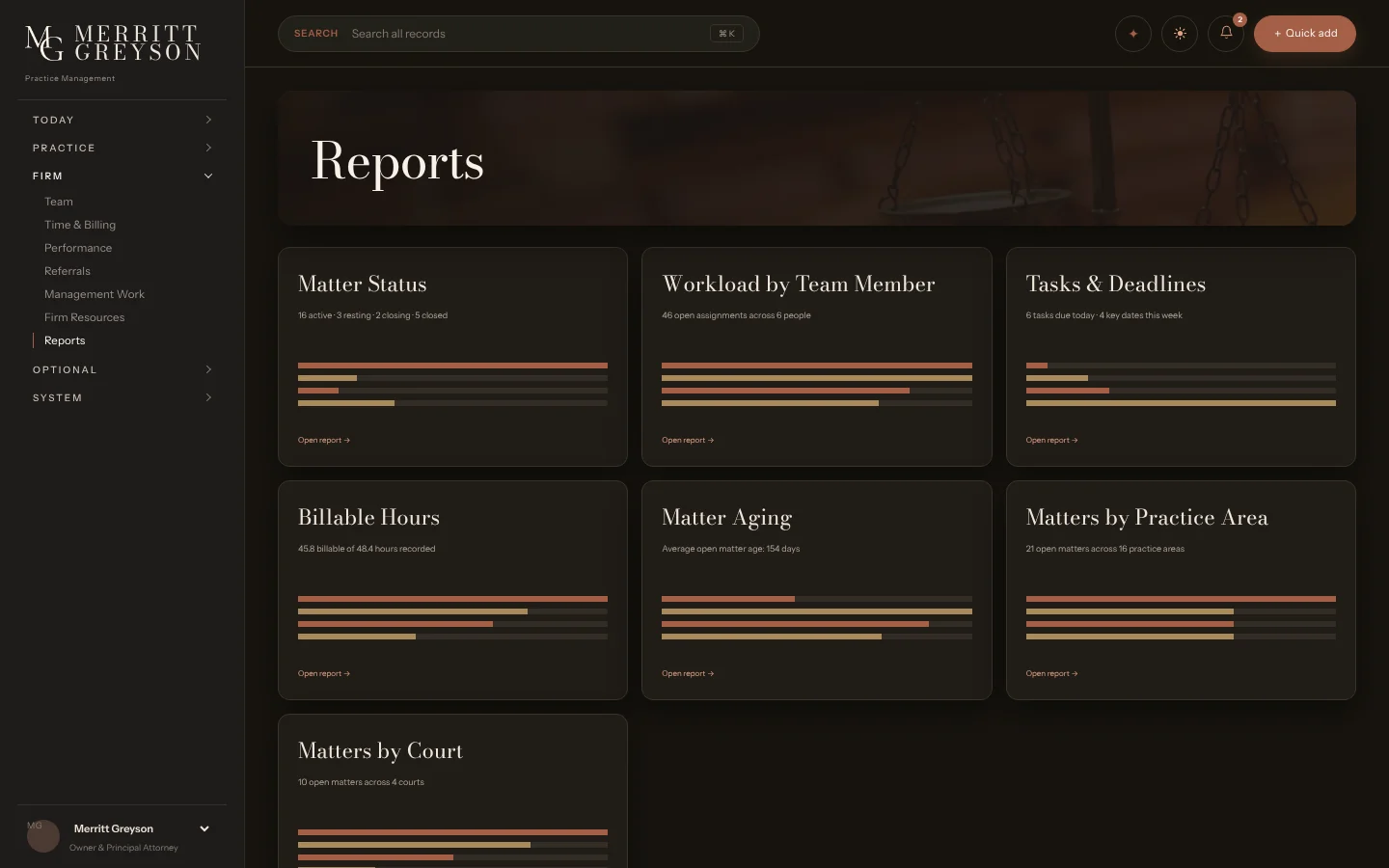
Reports
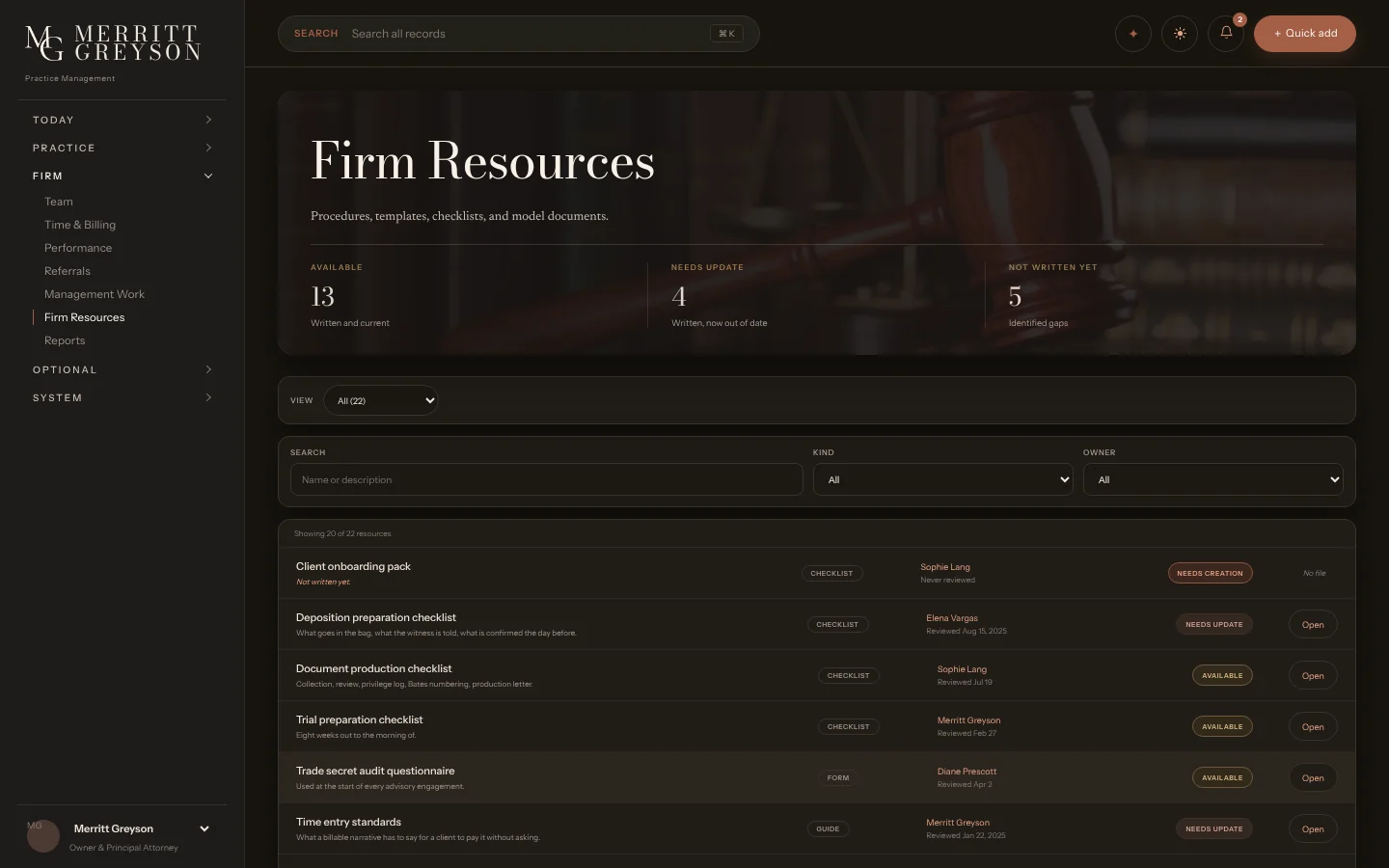
Firm resources
Matter workspace
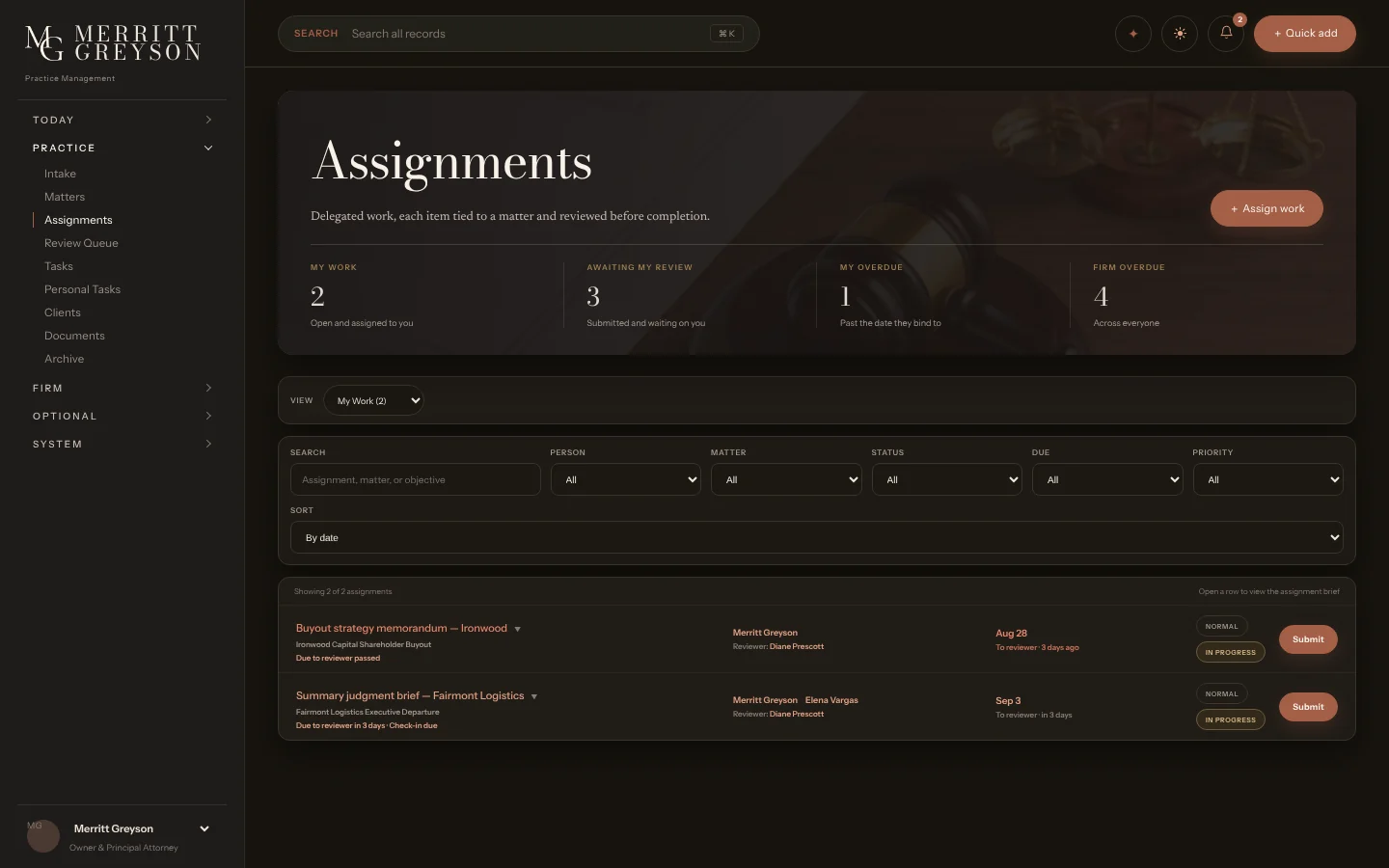
Assignments
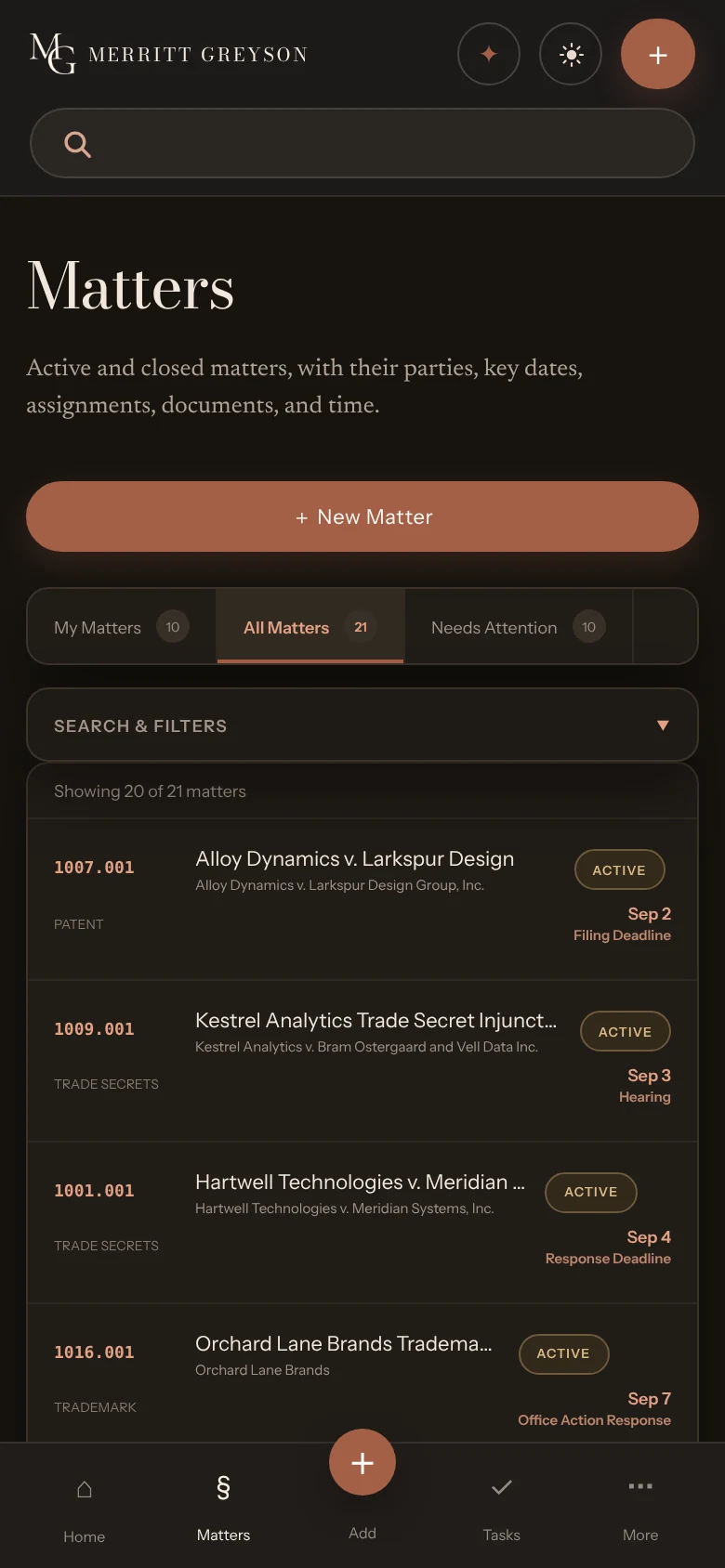
Matters on mobile
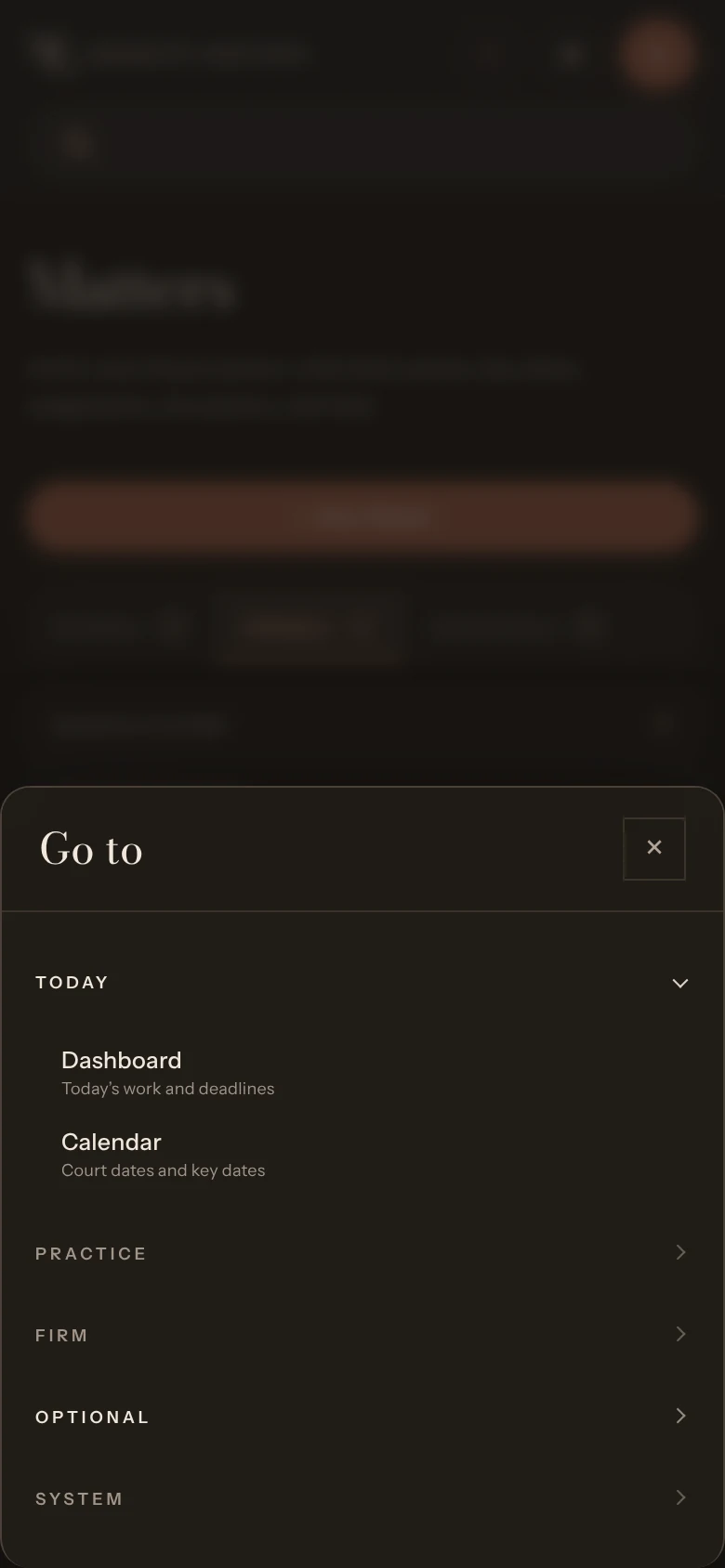
Mobile dashboard
YOUR PRACTICE. YOUR WORKSPACE.
Explore the working demo, then speak with us about your practice, your team and the way you want to work.