Choose what to bring
You choose which records to carry over. Willow imports clients, matters and key dates from a CSV export.
SWITCHING TO WILLOW
You choose which client and matter records to bring. Import your export, check every row and fix any problems before you switch.
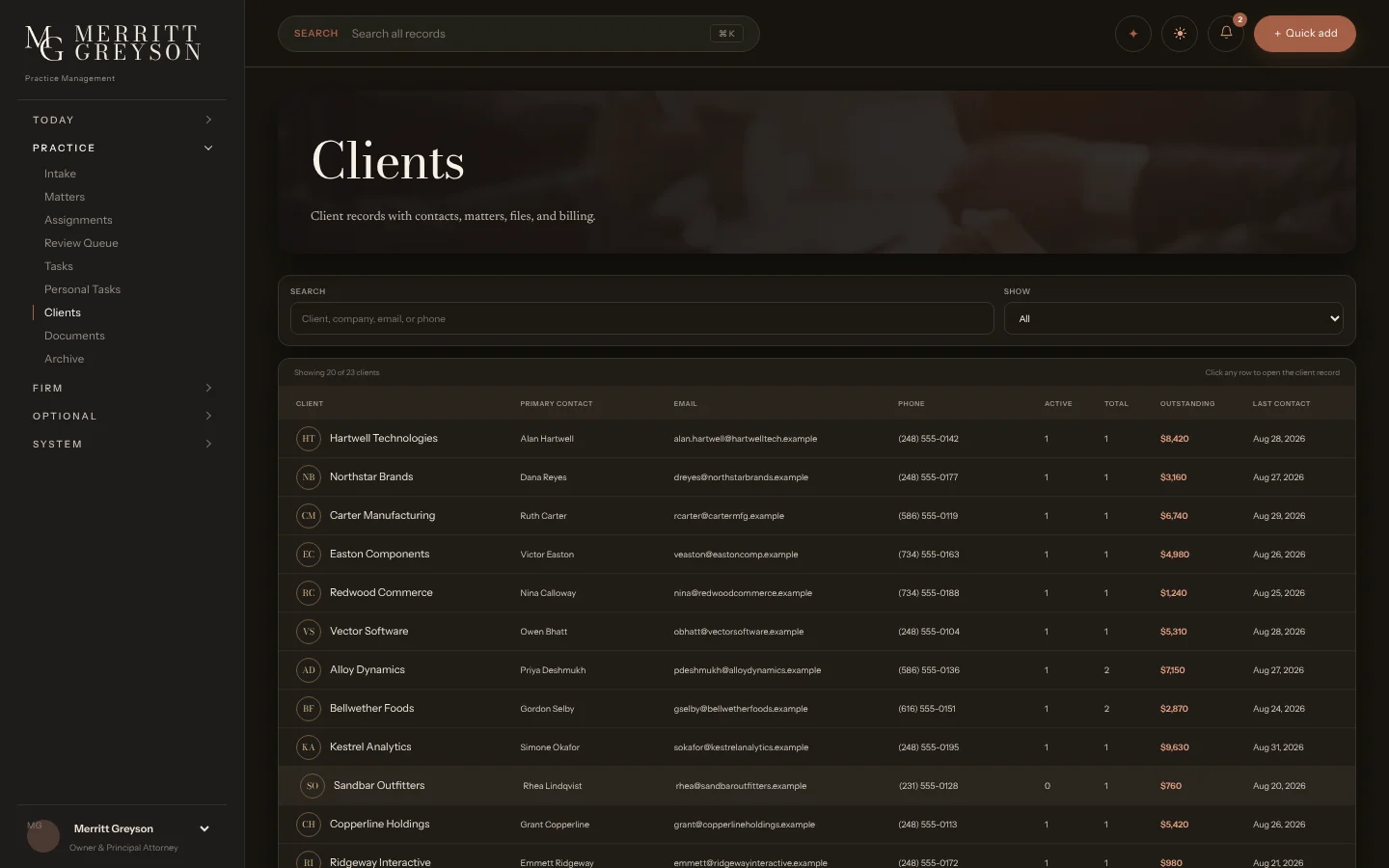
Actual Willow demo screen. Fictional firm data.
A PRACTICAL APPROACH
You choose which records to carry over. Willow imports clients, matters and key dates from a CSV export.
You preview how every row will appear in Willow before it comes in. Documents are uploaded to their matters.
We compare the test import with your source records, including key dates and sample document references. Your firm reviews the results before the move.
Invite your attorneys and staff by email, and contact support with any question about the move. After launch, support is available from 9 a.m. to 10 p.m. Eastern time.
COMING FROM CLIO?
Willow has a documented Clio field mapping for a one-way import. The exact export coverage and implementation are reviewed with your firm. You can evaluate Willow without canceling your existing software.
SWITCHING QUESTIONS
Yes. Your firm chooses which client and matter records to bring from Clio. Export your records as CSV, match the columns in Willow’s import and preview the result before you switch.
Bring a description of your existing tools. Our support team can answer questions about your export and what to bring across.
Yes. Willow is focused on practice operations. Accounting, bank reconciliation and trust accounting can remain with your existing accounting system. Any integration or data exchange is separately scoped.
Your Willow agreement states who owns your client and matter records, which export formats are available, and how to retrieve your files. It also explains when records are retained or deleted after cancellation.
No. Review the proposed scope, test the agreed records and plan a cutover before deciding when to end an existing subscription.
Available exports differ by system. Columns Willow does not use are left out, and you can change any column match before importing.
YOUR PRACTICE. YOUR WORKSPACE.
Tell us what you use and what you want to retain. Please leave confidential client or case details out of your inquiry.